DTMart logoDTMartYour neighbourhood shops, on your phone

Inside the apps

Screenshots

Real screens from the live DTMart apps — nothing redrawn, nothing mocked up. This is exactly what you and your customers will see.

DTMart Seller — for shops
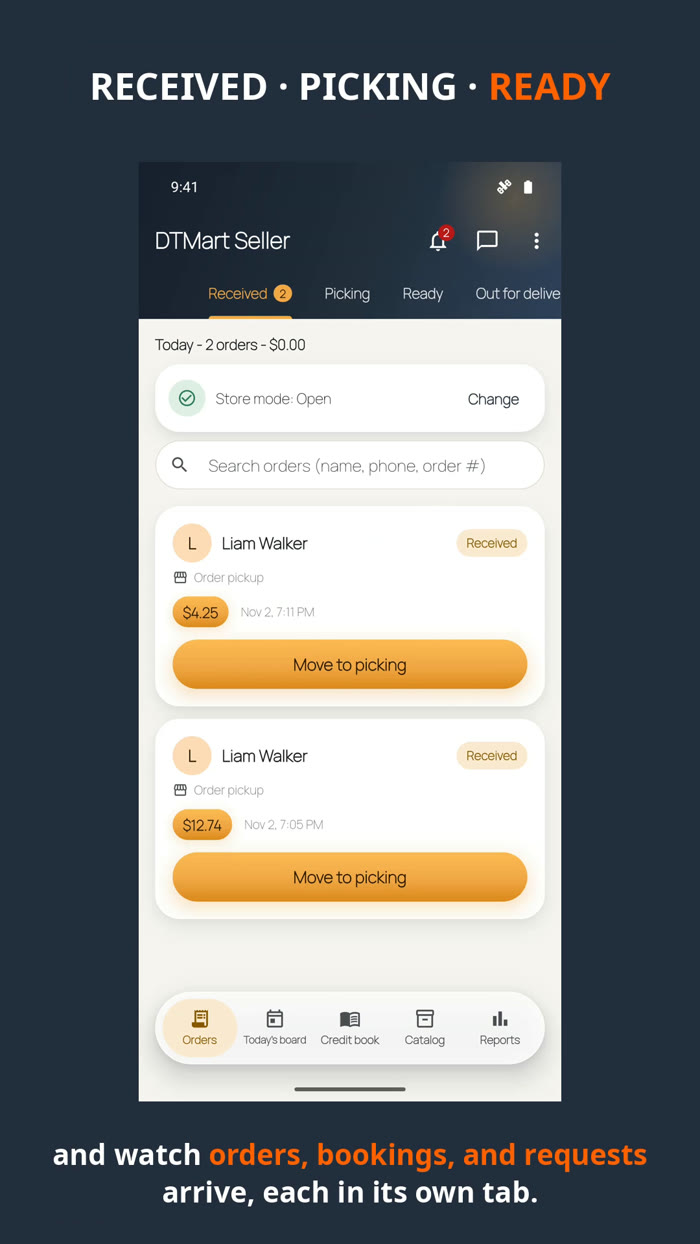
Seller orders board with Received, Picking, Ready and Out columns
Every order, in its placeThe shop's orders board — new orders land under Received and move across as you work.
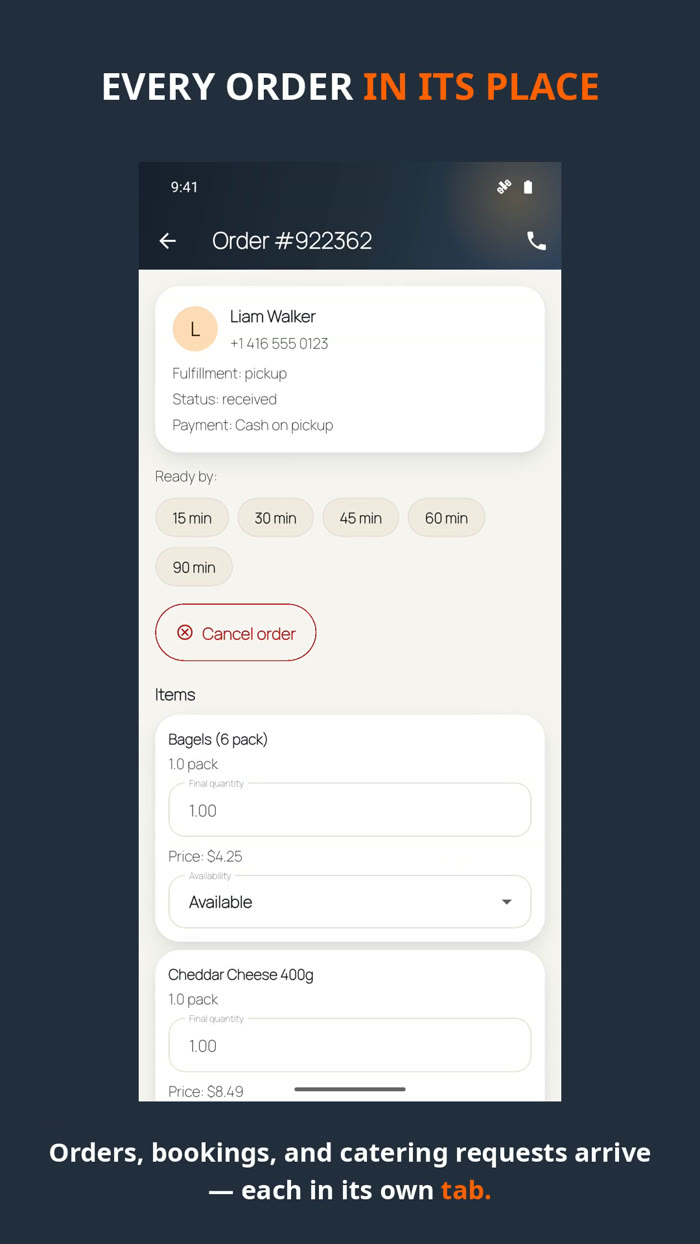
Seller order detail with items, ready-by time and total
One order, full detailItems, quantities, ready-by time and the total — everything on one screen.
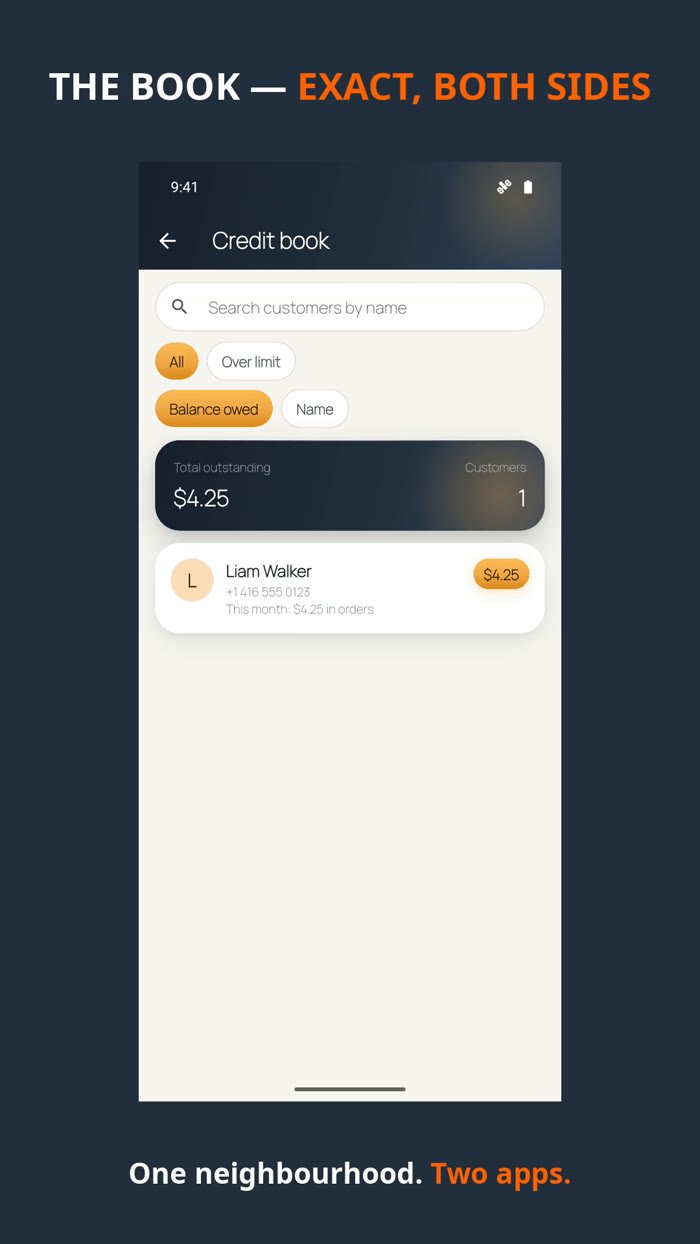
Shop credit book showing customer accounts and balances
The credit bookYour book accounts and balances, kept by the app — no paper book to lose.
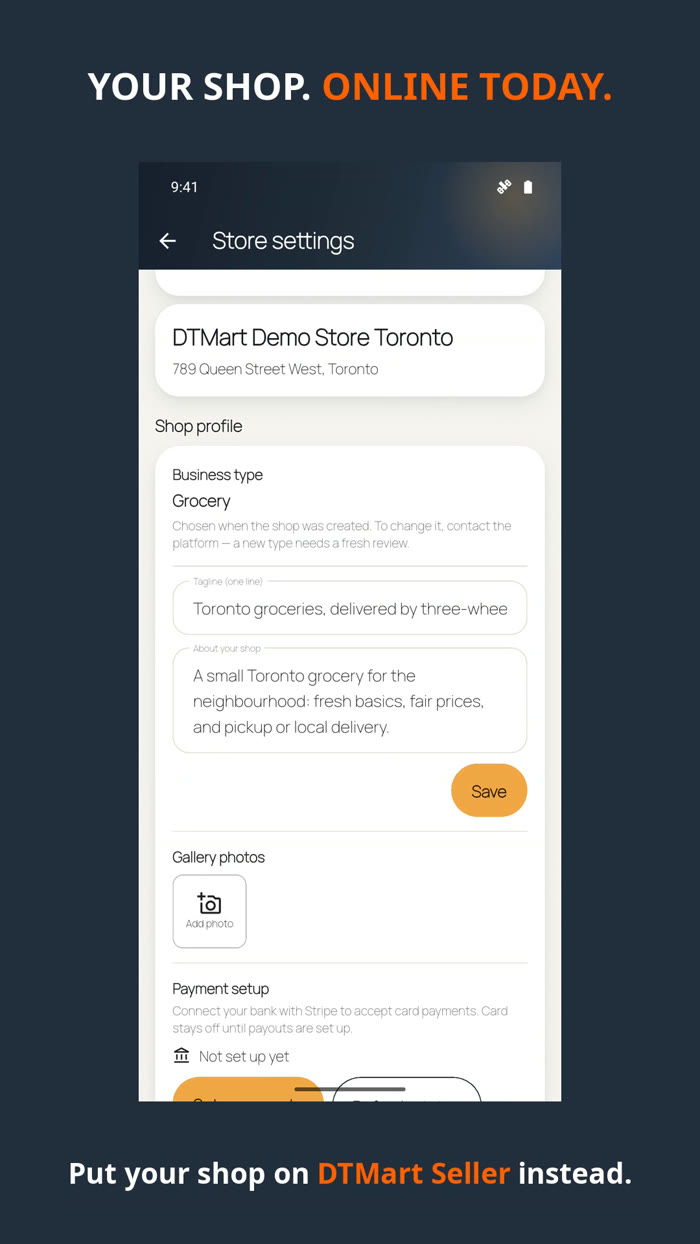
Shop profile settings with business type, tagline, about text and gallery photos
Your shop profileBusiness type, tagline, about text and gallery photos — the face your customers see.
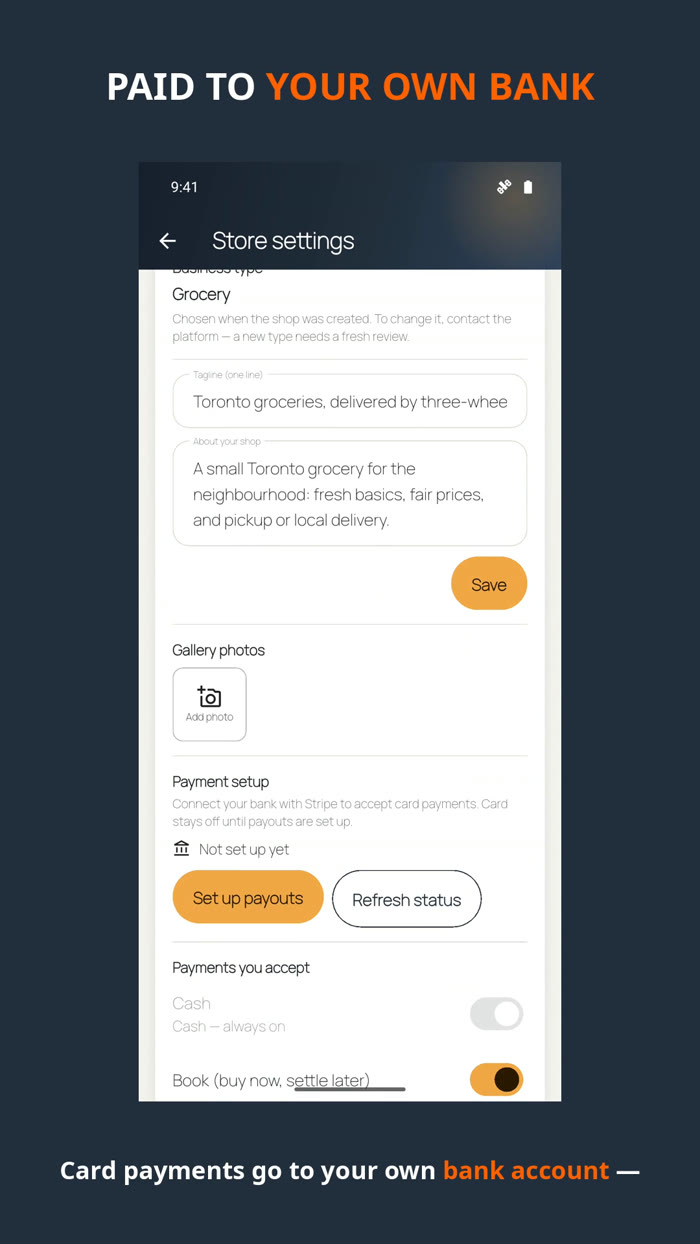
Payments setup screen for connecting a bank with Stripe
Card payouts setupConnect your bank once, inside the app, and card payments switch on.
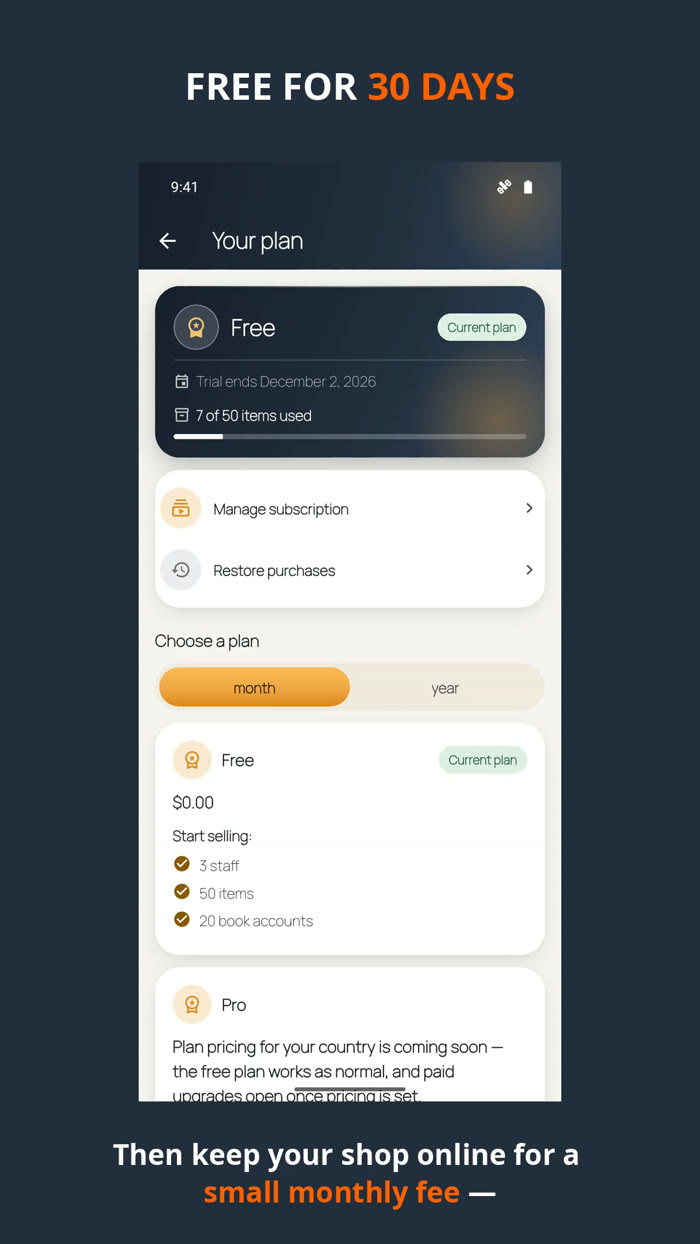
Plan screen showing the free trial end date and item usage
Your plan, in the openTrial end date and usage on one screen — no surprises.
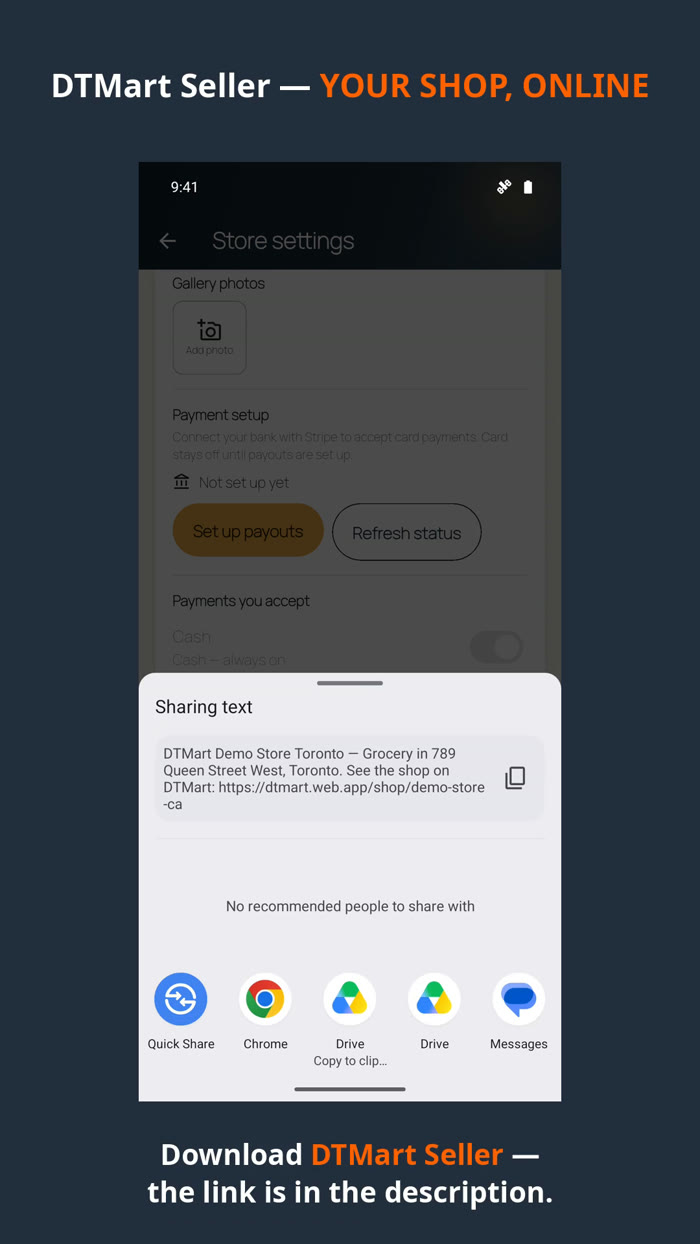
Share sheet for sending a shop link
Share your shopOne tap sends your shop link to WhatsApp and everywhere else.

DTMart — for customers

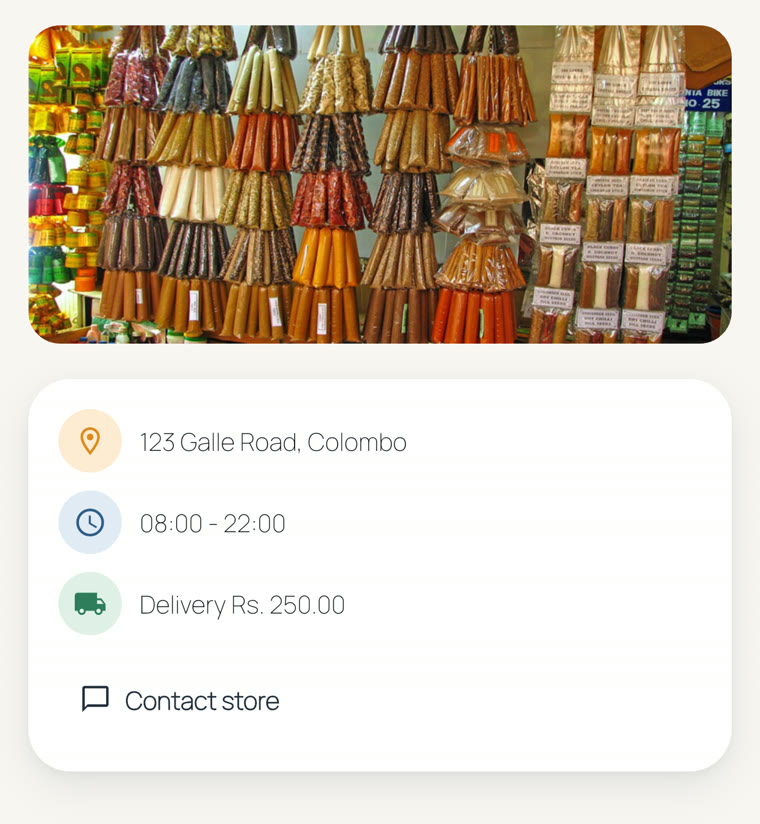
A shop page in the customer app with products and prices
A shop, on your phoneProducts, prices and photos — ordering takes a few taps.
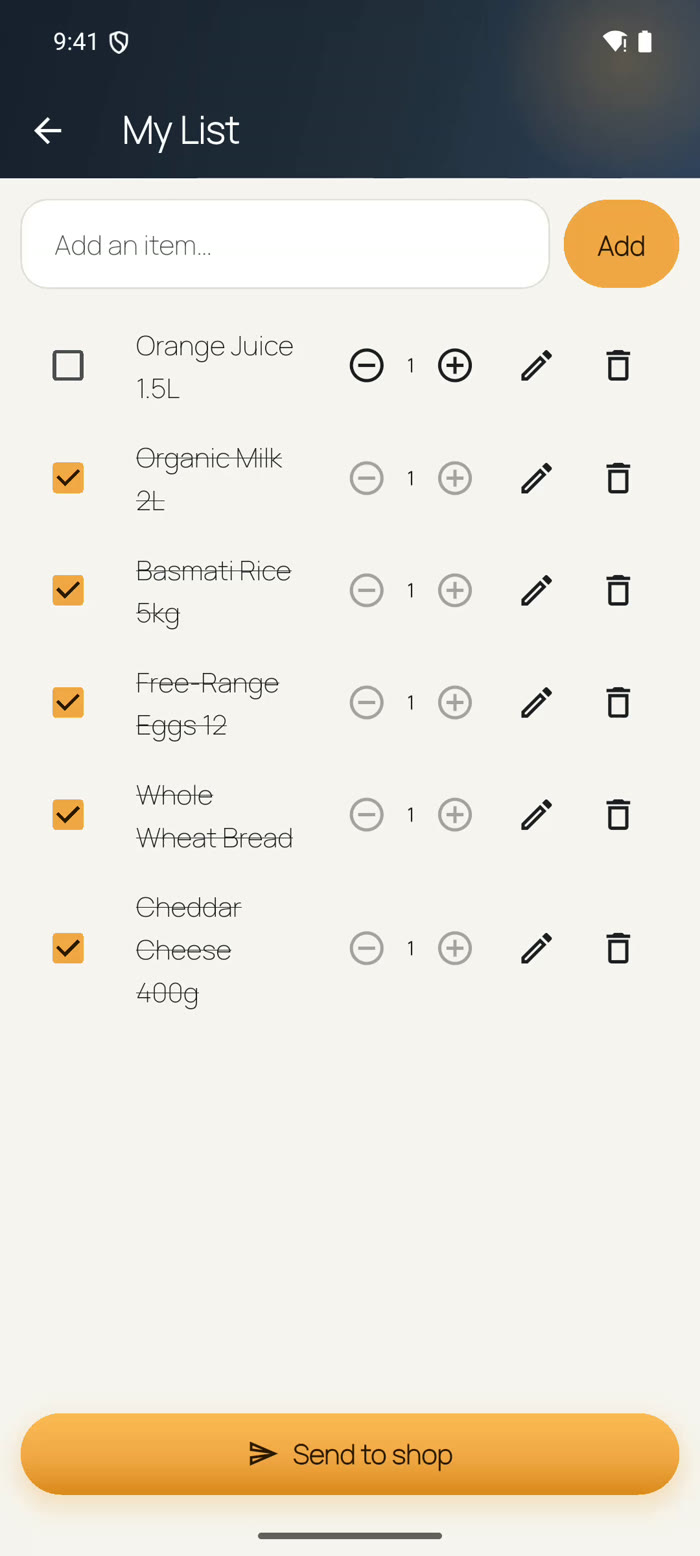
My List with grocery items ticked and a Send to shop button
My ListWrite your weekly list in your own words and send it straight to the shop.
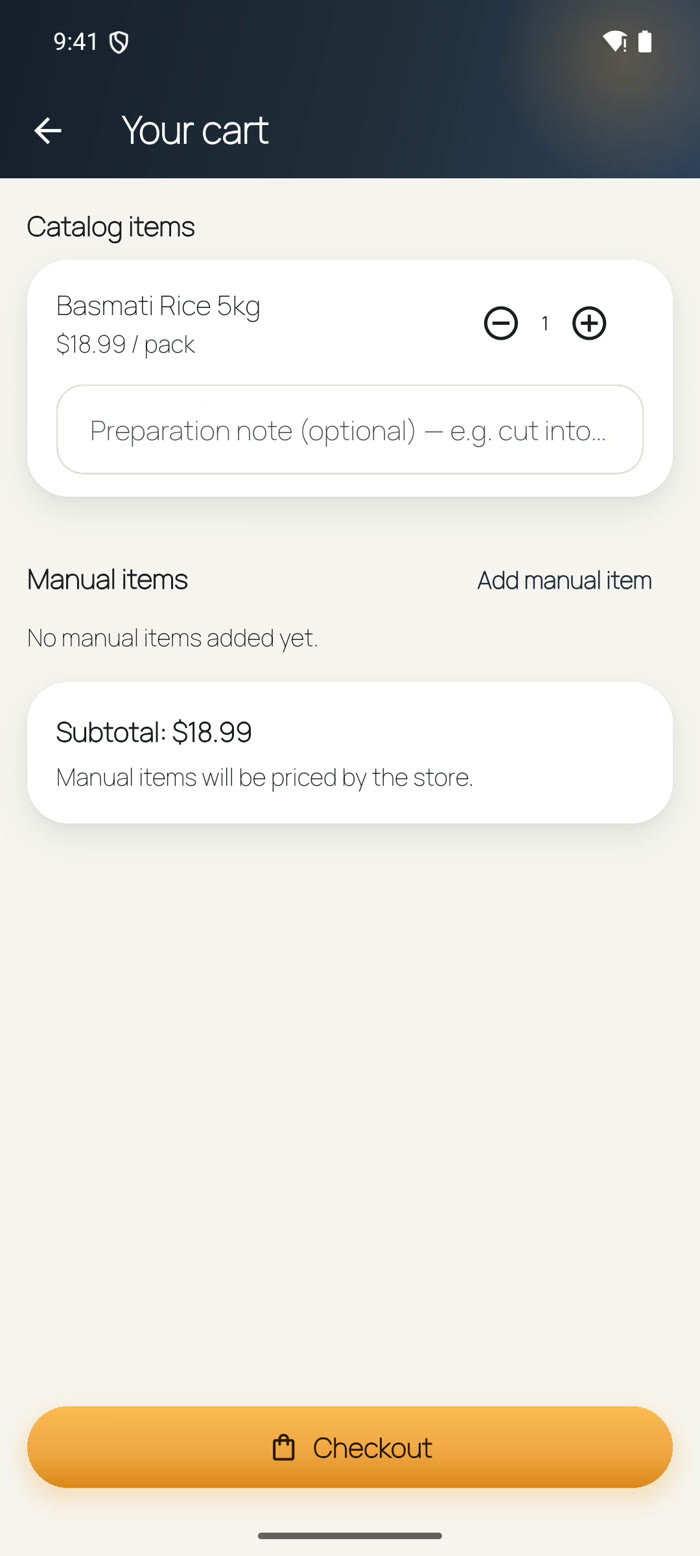
Cart screen with an item, manual items section and Checkout button
Your cartCatalogue items plus anything you add by hand — the shop prices hand-written items for you.
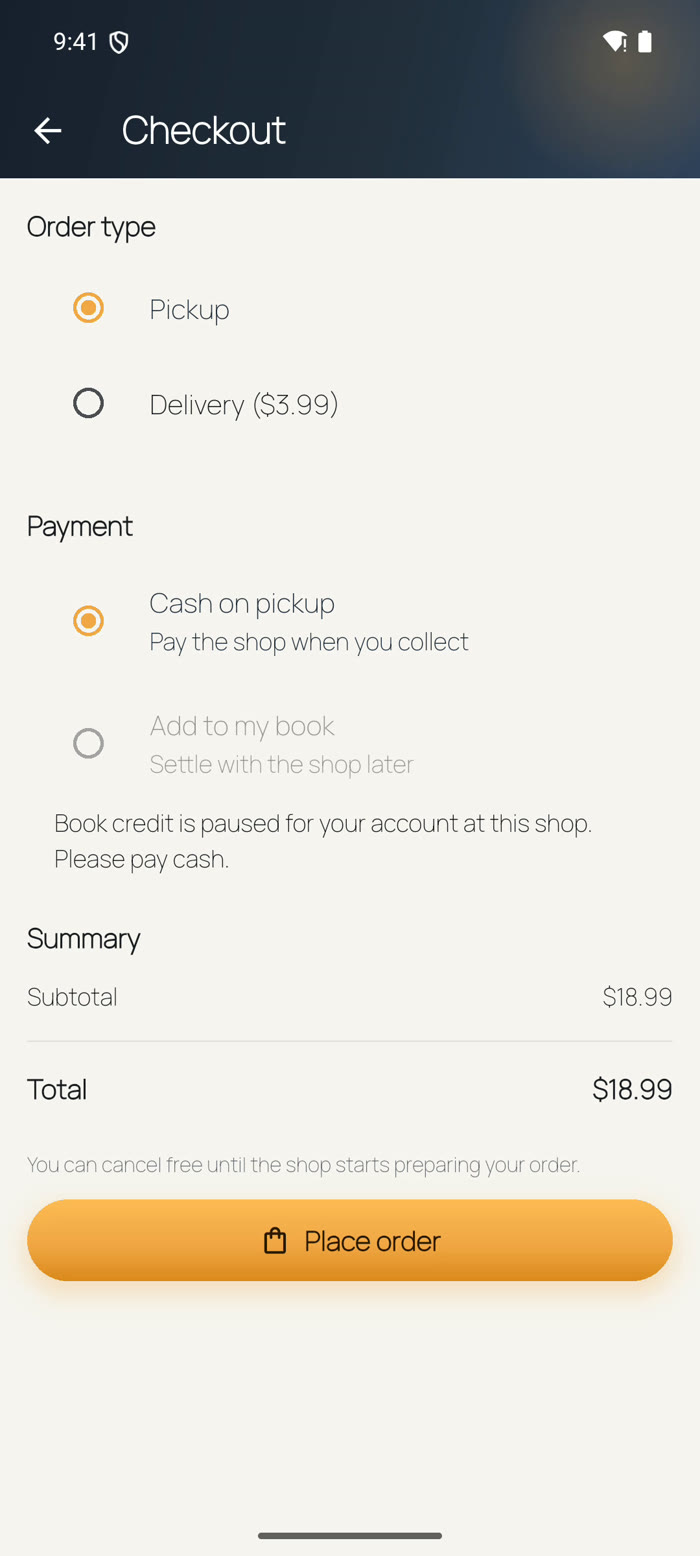
Checkout with Pickup or Delivery and cash or book payment options
Checkout, your wayPickup or delivery; pay cash, put it on your book, or pay by card where the shop offers it.
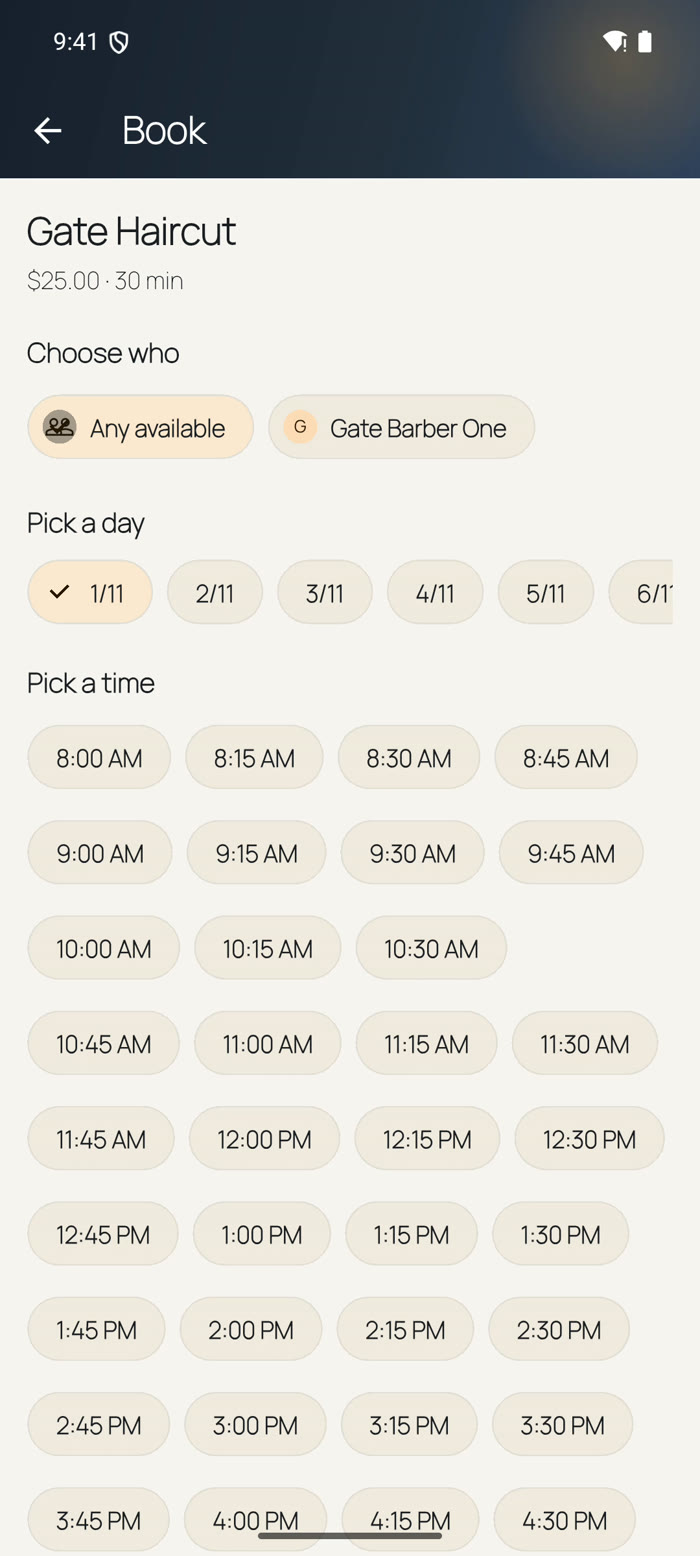
Salon booking screen with choose who, pick a day and pick a time
Book a salon visitPick the service, the person, the day and the time — done in seconds.
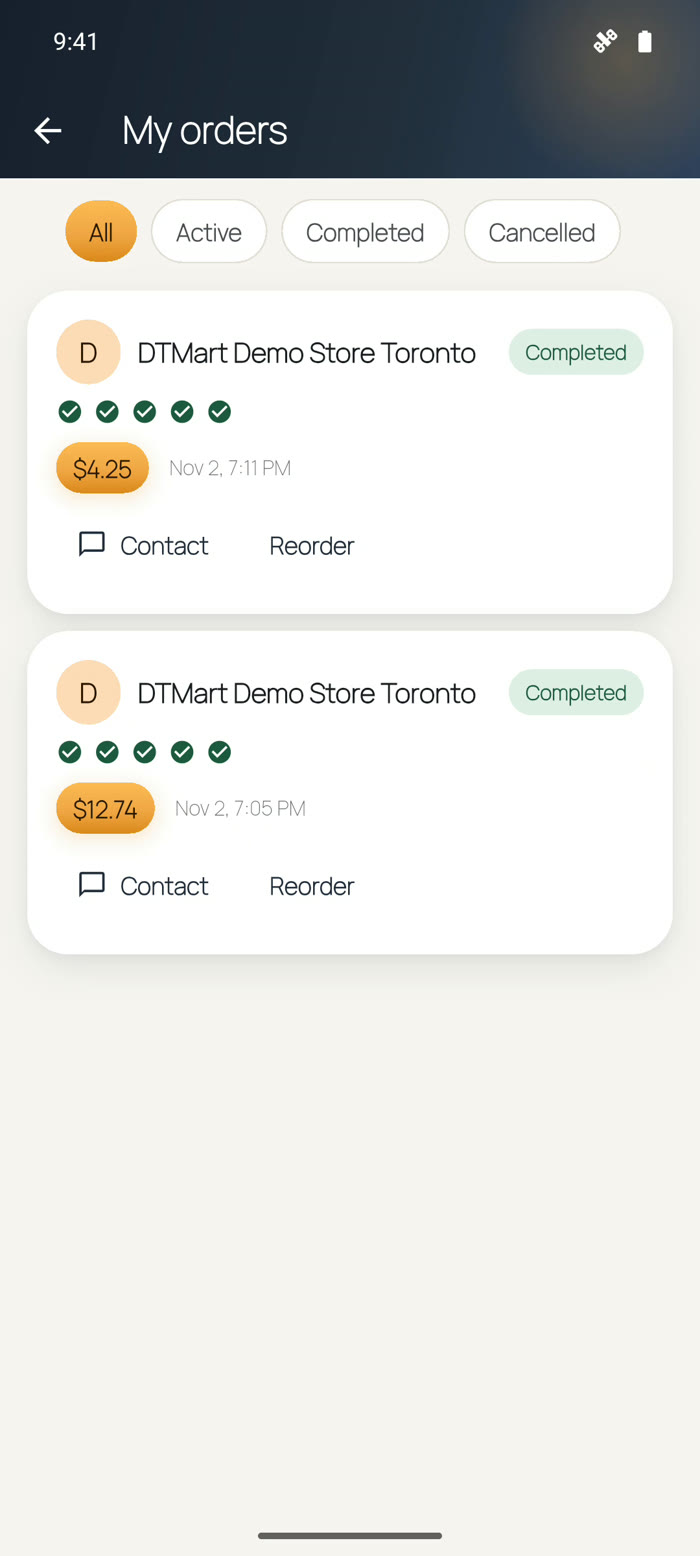
My orders screen with completed orders, Contact and Reorder
Your ordersFollow every order; message the shop or reorder with one tap.

New to DTMart? The user manual walks through every screen, step by step.